Server Project Update #2

server_top.jpg

As this blurry picture shows, (camera phones suck) I've drilled the two blowholes in the top of the server case and installed the fans and grills. To complete the look, I coated the top of the case with some blue marble contact paper, which conveniently hides all the dings and scratches in the sheet metal.

All that remains is to wait for the delivery of the 3 SCSI hard drives I ordered from Overstock.com last week. Hopefully, they'll arrive at the office before the end of the week.

Cousin Al sent me a link to a new server package that will let us start up our streaming radio station again, so I'm looking forward to getting that up and running once the box is complete. I'll probably dedicate one of the 10,000 RPM SCSI drives to the sound files so that we'll keep access times to a minimum.

Server Project Update

In looking at the server yesterday, I realized I could come up against some serious cooling problems, particularly with an overclocked processor. The three fans sit just behind the drive cages and blow air toward the back of the case, but then the hot air would simply sit back there, right on top of the processor and the video card. So I went to CompUSA for some goodies.

At CompUSA, I purchased the following:

  • A Powerchill Universal CPU cooler
  • Some Arctic Silver 5 thermal transfer goo
  • A blower that fits in a spare card slot
  • 2 80MM fans with grill covers

Installing the CPU cooler took about 5 minutes. The old CPU cooler was small and wimpy, with a tiny heat sink and cheesy paperclip-looking things holding the cooler to the top of the heat sink. The Powerchill looked much beefier. First thing I did was to clean the processor off, wipe the thermal transfer stuff off the bottom of the Powerchill and drop a blob of Arctic Silver on the processor. The Powerchill locks on to the processor with a clip similar to what was on there previously.

The Powerchill's fan control fits into a spare card slot, with Low, Medium and High settings for fan control. I booted up the machine to be sure everything was in working order and everything was fine.

Next, I installed the blower in the card slot between the video card and my Ethernet card. This blower was perfect, because the cooler from the video card shoots its hot air right into the blower and the blower shoots it right out the back of the case. I can't see how the video card could ever overheat with the blower in place.

The next job was to remove a SCSI card from my old Pentium II that blew up over a year ago. That went into a spare slot. The old Pentium II also had a 9 GB SCSI hard drive in it that I thought was shot, but I installed it in one of the cages, ran a cable to the SCSI card and Windows recognized it. Surprise, surprise! I found about 5 GB of MP3s I thought I had lost forever, along with some digital recordings I had made with Cakewalk a while back.

Overstock.com was having a sale on 18GB SCSI hard drives ($49.99 apiece), so I ordered three. They should be here toward the end of next week.

Finally, I opted to put in two "blowholes" on the top of the case toward the rear. This is a bit unorthodox for a rackmount server, but I really wanted to head off any potential cooling problems. This case is nearly twice as deep as my other rackmount case, so even with the second server sitting on top of it in the rack, the blowholes have plenty of clearance.

I took the sheet metal top of the case off and used the two 80MM fans to trace cutouts on the top of the case. Now for the hard part...

On a website I consulted about doing this, the modders who put blowholes in the tops of their PCs used a Dremel to cut away portions of the case. I tried to do the same, but even though I have a 10,000 RPM Dremel, the thing was blowing up cutting discs every couple minutes. It took me about an hour to cut the first blowhole and grind the edges down. Needless to say, the sounds generated by my sheet metal cutting caused my downstairs neighbor to crank up her stereo to drown out the sound, which probably sounded to her like a dentist's drill.

In any case, cutting the first blowhole took me until 10PM, beyond which I didn't want to torture my neighbors with the sound. So I'll have to wait until I get home from work today to finish the metal cutting and install the new fans.

Speaking of noise, I noticed that Olivier Travers posted a comment to my last post about the server project, asking whether or not it's noisy. The answer is an emphatic "YES!" The 10,000 RPM drive is pretty noisy, and now that I've added all this cooling equipment, it's only a hair less noisy than my air conditioner. This isn't a problem for me because I usually have plenty of background noise in my apartment from fish tank filters, other computers and whatnot. I actually have found that having all this white noise in the background helps drown out traffic noise from outside and helps me sleep. Go figure...

Anyway, I'll post some pics once the server is done. (Almost there.)

New Server

rack_server.jpg

Sorry blogging has been so sporadic lately, folks. It's just that we've been very busy at the office and any extra time I have has been thrown into this project.

You remember my post about getting a new PC, right? Well, junking my old PIII just added to a rapidly-expanding collection of old PC parts that have been taking up room in my apartment. Well, no longer...

Cruising eBay, I found a deep 4U rack case for $25 that came with a power supply, 48x CD-ROM, floppy drive and pretty much everything else I would need to put together a pretty cool server. So I bought the thing and it came to the office on Monday.

Last night, my mission was to get everything out of the old Gateway and into the new rack box. This sounds easy, but there were some challenges along the way. The old Gateway came in one of those cases where cards and drives aren't held in place by good, old-fashioned screws, but by green plastic clips. So there was a good deal of poking around the apartment looking for spare screws. Thankfully, I found enough to keep cards mounted to card slots and drives snug in their cages.

Another challenge was figuring out which wires to solder to new connectors so that LEDs light up and power and reset switches are connected to the motherboard. That was about a 10-minute brain teaser.

Then there was the wonderful task of finding jumper settings for an old 16X DVD-ROM drive that had no labels or model numbers on it anywhere. (In the end, I just guessed that moving the jumper one space to the left would change the drive from master to slave on the IDE channel. Turns out I was right.)

In just under 3 hours, I got it all taken care of. It boots. All the lights light up. All the fans are turning. Speaking of turning fans, the new case came with three of them! With the improved airflow in the box, the CPU cooler I mounted to the top of the processor's heatsink and the blower I'm about to go snag today from CompUSA, I'm thinking maybe I should overclock the hell out of the PIII.

In any case, my next step is to install a SCSI card out of an old PII 400 that blew up about a year ago. I have a nice 18GB 10,000 RPM Seagate SCSI hard drive that I want to throw in. (After all, it would be a shame to leave it just laying around.)

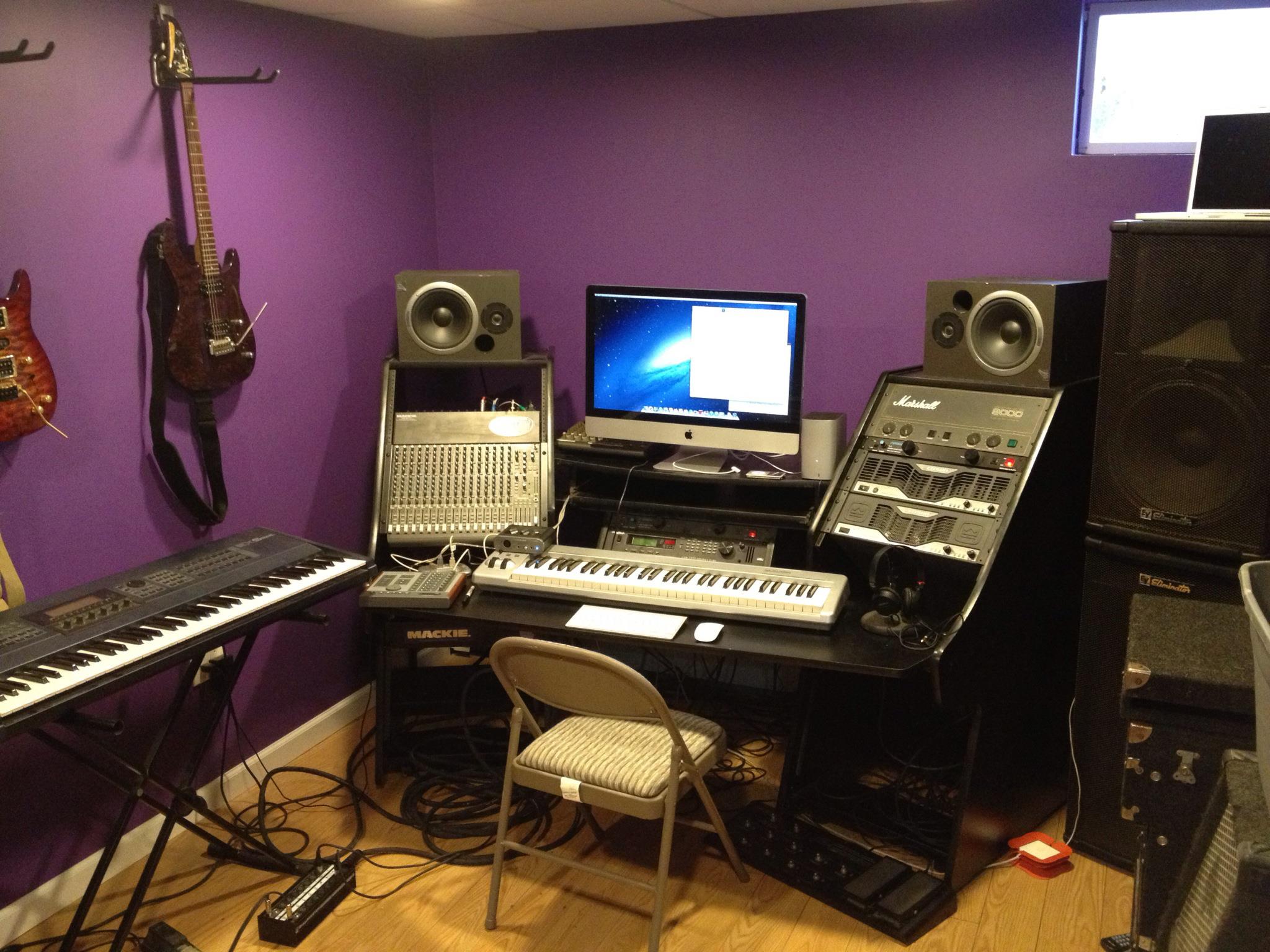
When I finish this project server up tonight (hopefully), I'm mounting it into the desk you see it sitting on in the picture. The desk has 60 rack spaces in it. (Here's a picture of the desk from the manufacturer.) I've got all my guitar effects processors, MIDI gear and power amps mounted on one side of it. I'll put this server and another rackmount server I already own on the other side. No silly towers cluttering up the place.

The old rackmount server used to run weekly backups of my other machines across the network with Norton Ghost. The new server will pick up those duties and I'll wipe the old one clean, install Linux, Apache and MySQL and use it as a test environment. (I'm teaching myself PHP and I'm dying to try a couple new things out.)

I'll post more on this project after tonight, but I've geeked out enough for now.

RIP, Ronnie

Almost every comment I've seen on the web about the passing of Ronald Reagan fits neatly into two categories: 1) Deifying Reagan to the point of making me want to barf, or 2) Characterizing Reagan as the antichrist or something close.

Meteor Blades seems to have a handle on things over at DailyKos. I see no problem with a little Reagan-worship, just as long as we don't let the Reagan mythology become fact.